
DroidLock is a dangerous new Android malware combining ransomware with remote-control capabilities. It spreads through phishing and targets smartphone users globally. Learn how it works and how to stay protected.
What Is the DroidLock Android Malware?
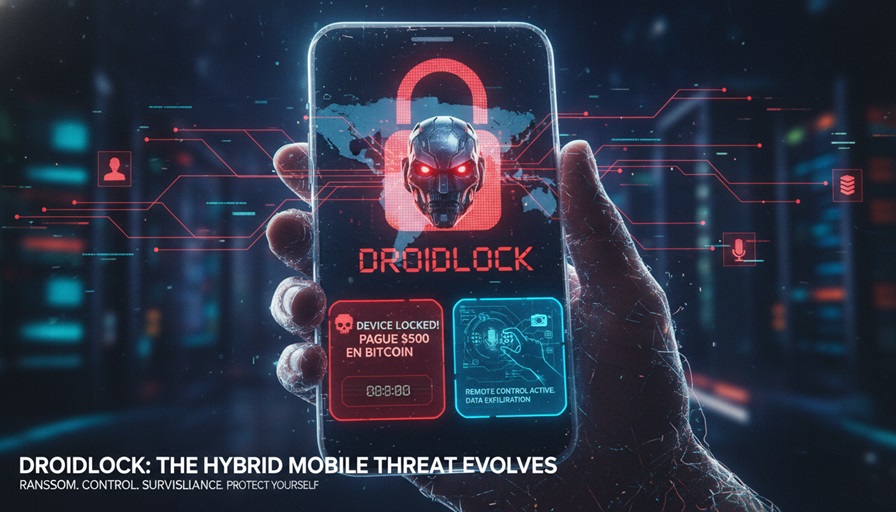
The droidlock android malware is a newly emerging cyber threat that blends the destructive elements of mobile ransomware with covert remote-control functionality. First observed targeting Spanish-speaking users, DroidLock represents an alarming evolution in Android security risks. Its ability to both lock devices and control them remotely makes it one of the most dangerous threats seen in recent mobile attacks.
How DroidLock Infects Android Devices
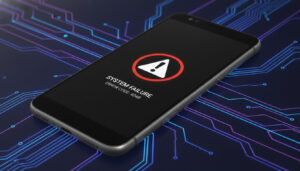
DroidLock launches a double-layered attack once inside a device. Its ransomware module locks the phone and displays a cryptocurrency ransom demand to restore access. At the same time, its remote-control system may allow attackers to manipulate data, monitor activity, or execute harmful commands. These capabilities align with the complex techniques highlighted in reports by MITRE and CISA.
How DroidLock Spreads Through Phishing Campaigns
Most infections occur through strategic phishing attempts: fake update pages, cloned websites, malicious ads, and deceptive links sent through SMS or social media. These links often disguise the malware as legitimate apps or essential security updates. Once users grant permissions, the malware activates full control, including device locking and establishing command connections.
Regions Currently Targeted by DroidLock Attackers
Security analysts report a high concentration of attacks in Spanish-speaking regions. However, global threat trends show that mobile malware quickly expands into new territories. As shown in international cybersecurity analyses from NIST and similar research organizations, multilingual versions of these attacks often follow shortly after the initial wave.
Why DroidLock Is a Serious Mobile Security Risk
The severity of the droidlock android malware threat stems from how deeply smartphones are intertwined with daily life. A compromised device can expose banking apps, authentication tools, private documents, messages, and photos. Victims risk financial loss, data exposure, account compromise, and potential identity theft. These evolving dangers highlight the importance of practicing modern mobile security habits.
How to Protect Your Device from DroidLock
Protecting against DroidLock requires consistent security practices. Only download apps from trusted sources such as Google Play. Always verify links before clicking, especially those sent through messages. Review app permissions carefully and ensure they match the intended functionality.
For official guidance, refer to the Android Security documentation. Additional insights from IEEE and other technology research bodies offer deeper understanding of mobile security best practices.
Regular device backups remain essential. Even if ransomware locks the device, your data stays recoverable and safe.
Final Thoughts
The droidlock android malware is a clear reminder that mobile threats are growing more advanced. Staying informed, applying safe browsing habits, and relying on reputable cybersecurity sources can significantly reduce the risk of falling victim to these attacks.
Source: Google Search