

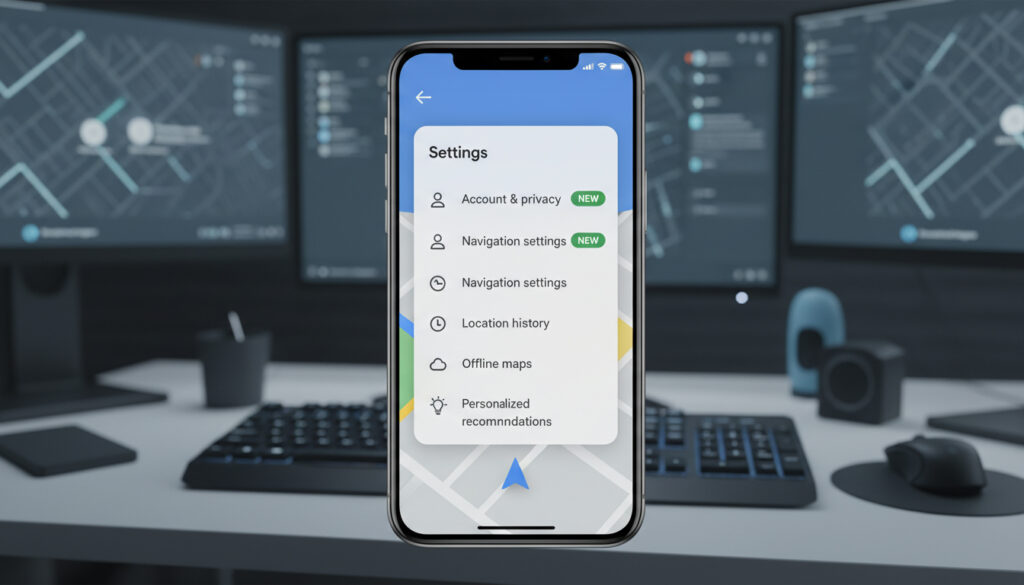
Google Maps, the navigation companion that billions rely on daily, is undergoing a significant transformation. For years, navigating the settings within this feature-packed application felt like trekking through a dense jungle. The sprawling, unwieldy list made finding specific options a challenge for even the most tech-savvy users. However, the latest Google Maps settings redesign for Android aims to change that by decluttering the interface and streamlining the entire user experience.
The core of this update focuses on consolidating fragmented options into seven clear, icon-driven menus. This overhaul makes the app far more intuitive, enhancing discoverability and simplifying customization. According to recent tech news, this shift brings the mapping giant in line with modern Android design principles where clarity is paramount.
Why the Google Maps Settings Redesign Matters
The heart of the Google Maps settings redesign centers on neatly grouping related options. Each of these new categories now features distinct icons and concise descriptions. This thoughtful touch massively boosts visual navigation, moving away from the endless scrollable lists of the past. As Google Maps evolved from a basic tool into a comprehensive platform—offering everything from public transit data to augmented reality—its settings grew organically, which unfortunately created a maze for the end user.
This new segmented approach is a direct response to user feedback. Frequently adjusted settings, such as voice guidance and offline map management, are now much easier to locate. By reducing the mental load required to tweak the app, Google is significantly boosting productivity and user satisfaction within the mobile and app ecosystems.
Logical Grouping and Privacy
While the specific names for all seven categories are still being finalized, the promise of a structured layout is a major win for privacy and usability. For instance, all privacy controls are expected to be bundled under a single ‘Privacy & Security’ heading, while navigation preferences will live snugly under their own dedicated menu. The Google Maps settings redesign ensures that users spend less time searching and more time exploring.
Ultimately, the Google Maps settings redesign marks an important moment for the app’s overall usability. By embracing a visually guided approach, Google is fundamentally improving how users interact with their mapping journey. As the update rolls out globally, it solidifies the platform’s position as both a powerful and manageable tool for everyone. Users can expect to see the Google Maps settings redesign appearing on their devices over the coming weeks.
Sources: 9to5google














1 thought on “Google Maps Settings Redesign: A Streamlined Update for Android”
Pingback: Google Pixel Warning: Critical System Update Could Trigger Black